GBCORP BLOG · IT SERVICES
Property Listing App Development: Listings, Leads and Viewings
A property listing app has one measure: how many viewings it books. Listings, search, maps and alerts are the road to that number, and the app is built backwards from it.
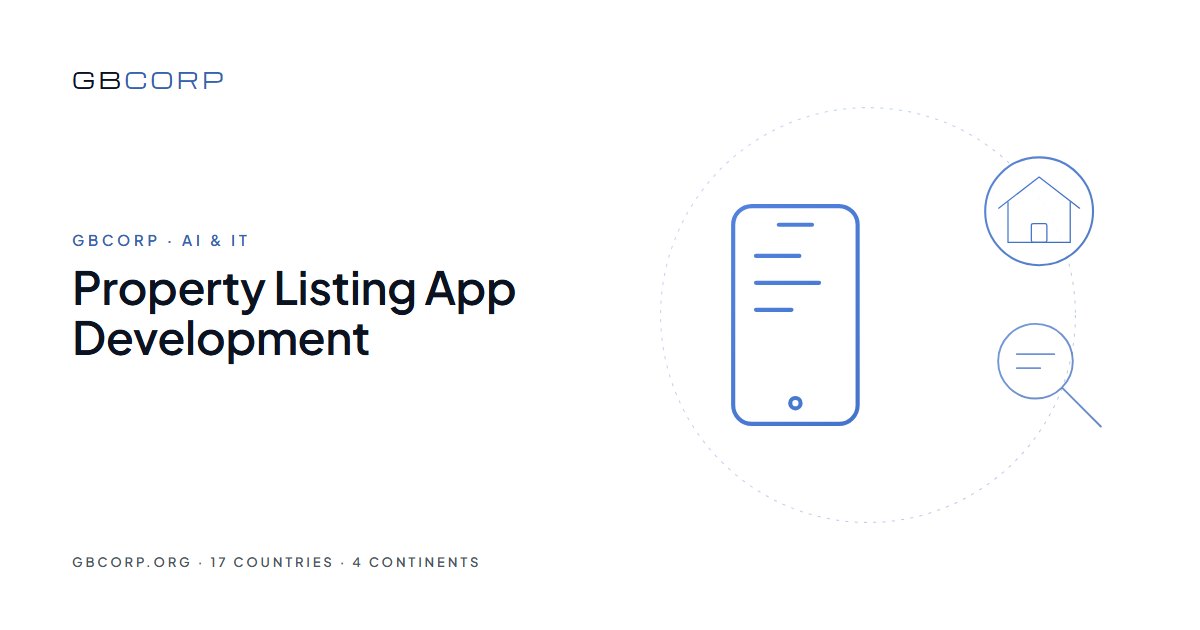
Property listing app development produces an app in which buyers and tenants search listings, save the ones they like, receive alerts when something matching appears, contact the agent and book a viewing. GBCORP’s white-label real estate and property app already carries listings, search, maps, alerts, agent profiles and lead capture, so an agency or a developer launches a branded listing app on iOS, Android and the web within days at a flat monthly plan, with every enquiry landing in its own inbox and console.
What the app must do
| Part | What it covers | Where |
|---|---|---|
| Listings | Photos, video, floor plans, map, price, features, availability | Console |
| Search | By area on a map, price, type, beds, features; saved searches | App |
| Alerts | New listing or price change matching a saved search | App |
| Agents | Profiles, listings per agent, direct contact | App and console |
| Leads | Enquiry, call, chat, viewing request, each recorded | Console |
| Viewings | Slots per listing, booking, reminders, feedback | App and console |
Search that works on a map
Buyers search by place first. Drawing an area on the map, filtering by price and beds, and seeing prices on the pins is the flow that keeps people in the app. Saved searches with alerts turn a visit into a return, and the console shows which searches return nothing, which is the list of what the agency should list next.
Leads that reach a person
An enquiry from a listing goes to the listing’s agent in the console and by e-mail from the agency’s own domain, with the buyer’s saved searches and viewed listings attached. A viewing request picks a slot the agent has opened. Every lead has a status, an owner and a next action, and the report shows response time per agent, because slow replies lose the buyer to the next app.
Listings from where they already live
Listings are entered in the console or imported from the agency’s existing system or a feed, with photos resized per screen and duplicates merged. A price change updates the app, the web listing and the alerts at once. Sold and let listings are archived, not deleted, so the agency’s history remains searchable.
Checklist before launch
- Listings exported from the current system, with photos and plans.
- Areas and the map boundaries the agency works in.
- Agents with photos, contacts and the listings they own.
- Viewing slot rules per listing type.
- A mailbox on the agency’s domain for enquiries and alerts.
- The three numbers to watch: saved searches, enquiries per listing, viewings booked.
The numbers to expect
Live within one to five working days on the web, store listings after review, a flat monthly plan. Portals with many agencies, valuation tools or integrations with listing feeds are custom work on the same engine, scoped in a week and quoted per release. Customised or more complex functionality is quoted separately before any work starts.
A worked example
An agency with forty agents and six hundred active listings runs them on a spreadsheet and three portals it pays for. On the white-label property app, the listings are imported with photos and plans, each agent gets a profile and its own listings, buyers download the branded app and save searches, and every enquiry lands in the console with the buyer’s history attached. Viewing slots are opened per listing and booked in the app. Within a quarter the agency reads enquiries per listing and viewings booked every Monday, and the portals it pays for become optional rather than essential.
Alerts that bring buyers back
A saved search becomes an alert: a new listing in the area and price range, or a price drop on a saved listing, arrives as a push notification and an e-mail from the agency’s domain. Alerts are the difference between an app opened once and an app opened weekly, and the console shows how many buyers have at least one saved search, which is the number to grow first.
Developers selling off-plan
A developer launching a project uses the same engine with a project page, unit availability by floor, payment plans, a reservation with a deposit through the developer’s own gateway, and buyer updates as construction proceeds. Units move from available to reserved to sold in the console, and the sales team sees interest per unit type. The app is the developer’s own, in its name, for this project and the next.
Multi-market and multilingual
An agency working in two countries sets language, currency, measurement units and contact details per market, with right-to-left layouts as a setting. Listings are tagged to a market and buyers see their own. The console reports per market and combined.
Reports the agency reads
Listings viewed, saved and enquired per agent. Saved searches and alerts sent. Enquiry response time per agent. Viewings booked, kept and converted. Searches with no results by area and price. Exports for the management meeting. All in the console, updated as the day happens.
Ownership of the app and the data
Brand, listings, buyer data and enquiries are the agency’s, in a dedicated cloud project in its name, exportable at any time. Store and payment accounts are the agency’s. On custom releases, the code is the agency’s, and no credentials are retained by GBCORP after a hand-over unless a support contract requires them.
Questions we hear first
Can it run a portal for several agencies?
Yes. Agencies, agents and listings are grouped in one console, with each agency seeing only its own leads.
Does it show listings on a website too?
Yes. The web listing pages come from the same catalogue, each on its own address for search visibility.
Where do enquiries go?
To the agent in the console and to a mailbox on the agency’s own domain; nothing passes through GBCORP.
Can buyers apply or pay a deposit in the app?
Yes, as configurations: applications with documents, and deposits through the agency’s own payment gateway.
Where to start
The GBCORP Real Estate and Property App is the product; the GBCORP white-label app range shows the portal and booking engines beside it. For the branded route, read the white label real estate app explained.
GBCORP operates across 17 countries on 4 continents through six pillars: AI & IT, Innovation, Sustainability, Infrastructure, Premium Business, and EV's & Solutions.