GBCORP BLOG · IT SERVICES
App Modernization: Rebuild the App Without Losing the Users
An old app is expensive in ways that do not show on an invoice: every store rule change is a scramble, every feature takes a month, and the developer who knew it has gone. App modernization is the decision to stop paying that tax.
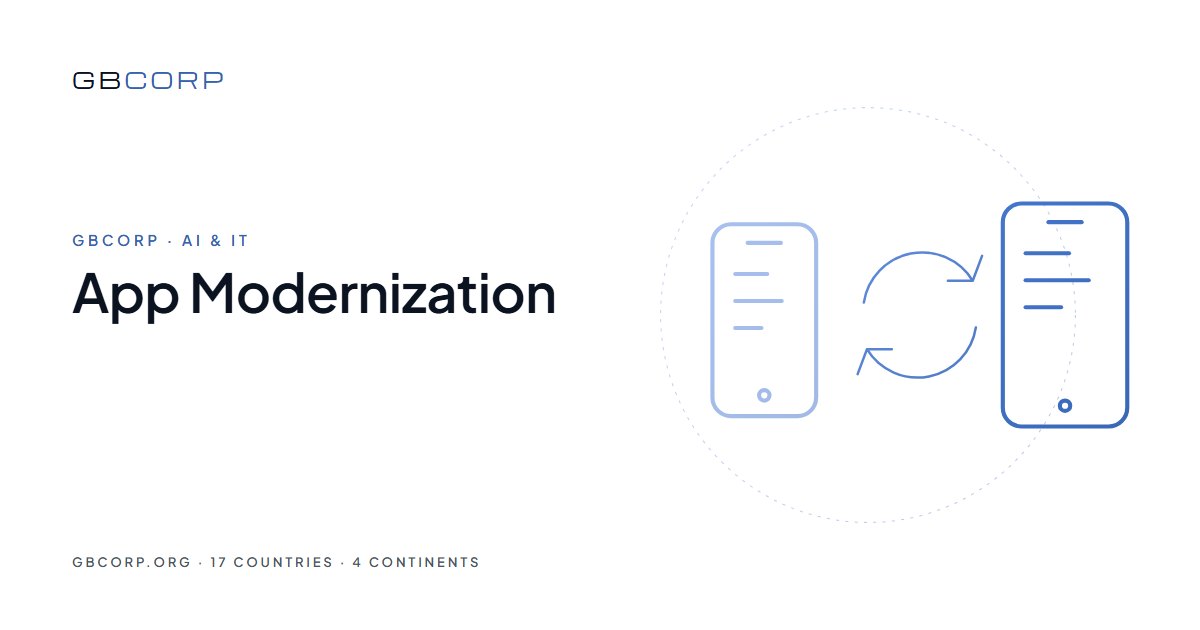
App modernization means rebuilding an app that still has users on a foundation that can be maintained, without losing the users, their data or the store listing. GBCORP does this on its shared engine: accounts, payments, notifications and the design system come from the core, the app’s own screens and rules are rebuilt from the current behaviour, and the switch happens under the same store listing so nobody reinstalls anything.
Signs an app is past patching
| Symptom | What it looks like | What it costs |
|---|---|---|
| Store updates | Each operating-system release breaks something | Weeks of unplanned work a year |
| Two codebases | iOS and Android drift apart | Double cost, inconsistent behaviour |
| Knowledge | The original developer is gone | Every change is archaeology |
| Libraries | Dependencies no longer maintained | Security and store-policy risk |
| Speed | A small feature takes a month | The roadmap stalls |
Keeping the users
The new app ships as an update to the existing store listing, so ratings, reviews and installs stay. Accounts migrate with a one-time sign-in that keeps the user’s history. Notifications continue. The old app keeps working until the new one has proved itself with a share of users, and the switch is a percentage, not a date.
Keeping the data
The current data is mapped to the new model in the scoping week. The migration is rehearsed on a copy, checked record by record on a sample, and run for real in a quiet window with the old system read-only. Nothing is deleted until the new app has run for a month.
One codebase from here on
The rebuilt app is one codebase for iOS, Android and web, on the GBCORP engine, so the next store rule change is handled once under the support plan and the next feature takes two weeks rather than a month. The reason to modernize is not the new app; it is every release after it.
Checklist before deciding
- What the current app actually does, screen by screen, from the app rather than the old spec.
- Which features users use, from analytics or the store reviews.
- Where the data lives and who can export it.
- Who holds the store accounts and the signing keys today.
- Integrations that must keep working on day one.
- The number that should improve: crash rate, rating, time per task.
The numbers to expect
Scoping in one week. Rebuild in eight to twelve weeks at a fixed price. Migration rehearsed at least once. Gradual switch over two to four weeks. The cost is usually below a year of patching the old app, and the support plan afterwards is a known monthly figure. Customised or more complex functionality is quoted separately before any work starts.
A worked example
A membership club has an app built six years ago by a developer who has since closed. It crashes on new phones, the two codebases behave differently, and the last store update took a month. GBCORP’s scoping week maps every screen from the running app and the analytics show which are used. The rebuild on the engine takes nine weeks: accounts and the wallet card from the core, the club’s booking rules and content rebuilt, the design refreshed but familiar. Members are migrated with a one-time sign-in that keeps their history. The rebuilt app ships as an update to the same listing; nobody reinstalls. The next store rule change is handled in a day.
Deciding what not to rebuild
An old app accumulates features nobody uses. The analytics and the store reviews say which; the rebuild leaves them out. Screens used by fewer than a handful of users a month are retired unless a contract requires them. Integrations that no longer connect to anything are dropped. The rebuilt app is usually smaller than the old one, which is part of why it is cheaper to run, and part of why users rate it higher.
Security debt paid in the same move
An old app usually carries libraries with known vulnerabilities, a password policy from another era and a data store nobody has audited. The rebuild on the engine replaces all three: server-enforced password rules with single-use reset links and rate limits, current libraries patched under the support plan, and a dedicated cloud project with backups and retention configured. The modernization is often the first time the business can answer a security questionnaire plainly.
The switch, week by week
Week one after the rebuild passes testing, the update ships to a small share of users through staged rollout, with crash rate and rating watched daily. Week two, the share rises if the numbers hold. Week three, every user has the new app and the old backend goes read-only. Week four, data is reconciled a final time and the old system is archived. At no point does a user reinstall, lose history or notice a gap, and at every point the rollout can pause.
Questions we hear first
Do users have to reinstall?
No. The rebuilt app ships as an update to the same store listing.
Can we keep the old design?
Yes, or refresh it. Most clients keep the structure and modernise the details.
What if we do not have the source code?
The rebuild works from the running app and the data, which is often cleaner than inheriting old code.
How is it priced?
A fixed price per release after the scoping week; migration and integrations priced as separate items.
Where to start
The GBCORP mobile app development hub sets out the approach; the GBCORP Custom App Development product is the priced starting point. For the broader legacy question, read legacy app modernization explained.
GBCORP operates across 17 countries on 4 continents through six pillars: AI & IT, Innovation, Sustainability, Infrastructure, Business Lounge, and EV's & Solutions.